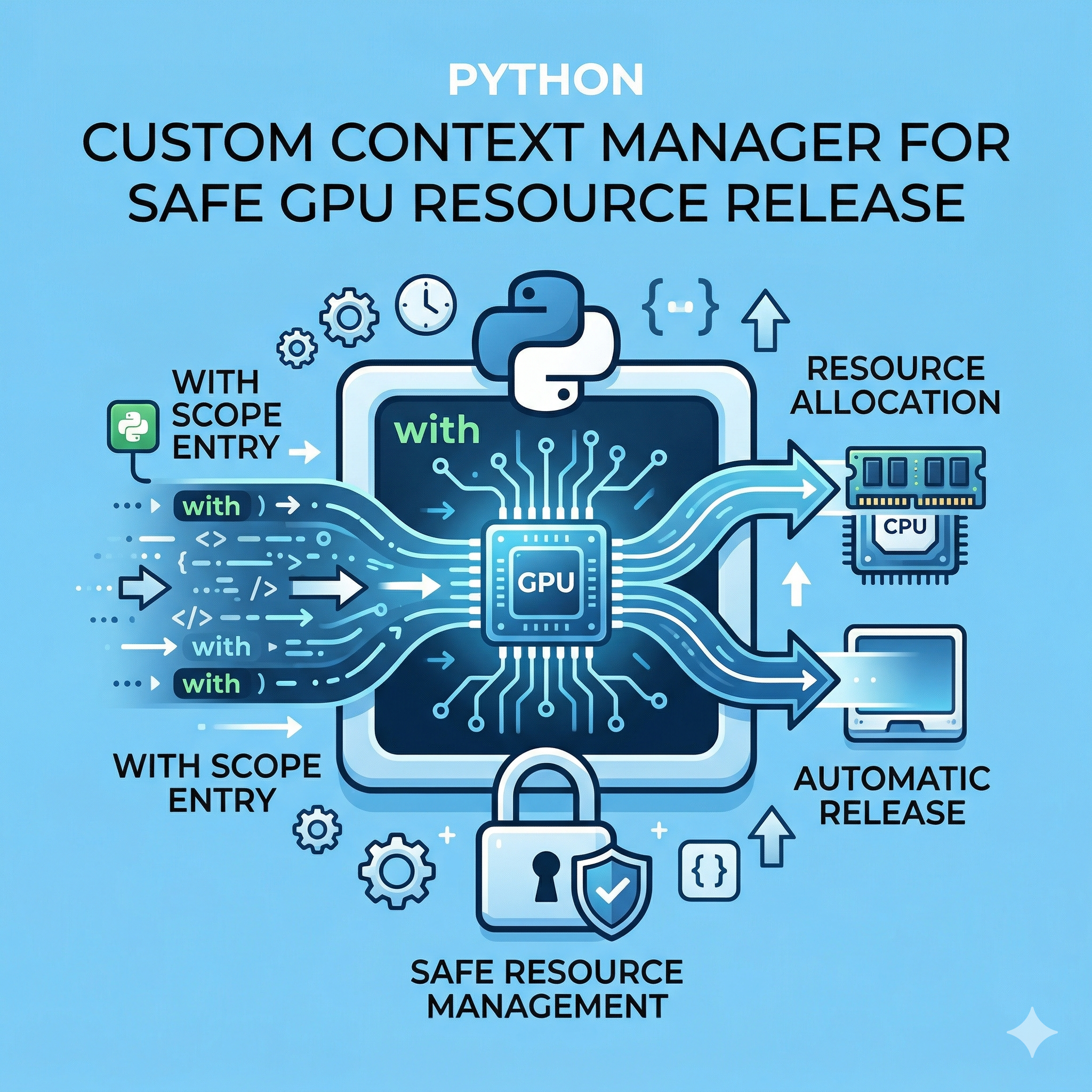
딥러닝 모델 학습이나 고성능 컴퓨팅(HPC) 분야에서 파이썬을 사용할 때, 개발자들이 가장 골머리를 앓는 문제 중 하나가 바로 'Out of Memory(OOM)' 에러입니다. 특히 GPU 리소스는 한정적이며, 한 번 점유된 메모리가 제대로 해제되지 않으면 전체 파이프라인이 중단되는 치명적인 결과를 초래합니다. 본 포스팅에서는 파이썬의 with 문(Context Manager)을 커스텀하여 GPU 리소스를 안전하고 우아하게 관리하는 고급 패턴과 해결 방법을 심도 있게 다룹니다.
1. 왜 GPU 리소스 관리에 Context Manager가 필요한가?
일반적으로 GPU 메모리는 프레임워크(PyTorch, TensorFlow 등)가 내부 캐시 메커니즘을 통해 관리합니다. 하지만 복잡한 루프나 예외 상황(Exception)이 발생하면 참조 카운팅이 꼬이면서 메모리가 '좀비' 상태로 남게 됩니다.
Context Manager를 사용하면 다음과 같은 핵심적인 차이를 경험할 수 있습니다.
| 비교 항목 | 전통적인 수동 관리 (try-finally) | 커스텀 Context Manager (with) |
|---|---|---|
| 코드 가독성 | 코드 블록이 길어지고 로직이 분산됨 | 선언적이며 비즈니스 로직에 집중 가능 |
| 예외 안전성 | finally 구문을 누락할 위험이 있음 | 에러 발생 시에도 __exit__ 호출이 보장됨 |
| 재사용성 | 매번 같은 해제 코드를 복사 붙여넣기 함 | 클래스나 제너레이터 형태로 모듈화 가능 |
| 리소스 추적 | 어디서 누수가 발생하는지 찾기 어려움 | 컨텍스트 진입/종료 시 로깅이 용이함 |
2. 실무 밀착형 GPU 리소스 관리 Sample Examples
현업 데이터 사이언티스트와 ML 엔지니어가 실무 환경에서 즉시 적용할 수 있는 7가지 핵심 예제입니다. 각 예제는 실질적인 메모리 해제 로직을 포함하고 있습니다.
Example 1: PyTorch 캐시 메모리 자동 정리를 위한 클래스 기반 패턴
컨텍스트가 종료될 때 CUDA 캐시를 강제로 비워 파편화된 메모리를 회수합니다.
import torch

class CudaMemoryManager:
    def __enter__(self):
        torch.cuda.empty_cache()
        print("GPU Cache Cleared before task")
        return self

    def __exit__(self, exc_type, exc_val, exc_tb):
        torch.cuda.empty_cache()
        if exc_type:
            print(f"Error occurred: {exc_val}")
        print("GPU Cache Cleared after task")

# 실무 적용
with CudaMemoryManager():
    model = torch.nn.Linear(1024, 1024).cuda()
    # 대규모 연산 수행
    output = model(torch.randn(128, 1024).cuda())
Example 2: @contextlib.contextmanager를 이용한 제너레이터 패턴
클래스 선언 없이 함수 형태로 간결하게 GPU 할당 범위를 제한하는 방법입니다.
from contextlib import contextmanager
import torch

@contextmanager
def gpu_scope(device_id=0):
    try:
        device = torch.device(f"cuda:{device_id}")
        yield device
    finally:
        # 특정 디바이스의 객체 참조 해제 유도
        torch.cuda.synchronize(device_id)
        torch.cuda.empty_cache()

with gpu_scope(0) as dev:
    data = torch.randn(5000, 5000).to(dev)
    # 연산 후 자동으로 finally 블록 실행
Example 3: 예외 발생 시 모델 객체 강제 삭제 및 가비지 컬렉션(GC) 트리거
OOM이 발생했을 때 Python의 가비지 컬렉터를 강제로 실행하여 점유된 객체를 제거합니다.
import gc
import torch

class ForceGarbageCollection:
    def __init__(self, obj_name):
        self.obj_name = obj_name

    def __enter__(self):
        return self

    def __exit__(self, exc_type, exc_val, exc_tb):
        if exc_type is not None:
            # 글로벌 스코프에서 객체 제거 시도 (예시용)
            print(f"Critical error! Attempting to free {self.obj_name}")

        gc.collect()
        torch.cuda.empty_cache()

# 실무 적용 (예: 루프 내에서 대형 모델 로드 시)
with ForceGarbageCollection("large_model"):
    # 에러가 나더라도 메모리를 비우고 다음 프로세스로 전이 방지
    pass
Example 4: 다중 GPU 환경에서의 Device Switcher 패턴
여러 GPU를 오가며 작업할 때 현재 디바이스 상태를 안전하게 저장하고 복구합니다.
class DeviceSwitcher:
    def __init__(self, target_device):
        self.target = target_device
        self.prev = torch.cuda.current_device()

    def __enter__(self):
        torch.cuda.set_device(self.target)
        print(f"Switched from {self.prev} to {self.target}")

    def __exit__(self, *args):
        torch.cuda.set_device(self.prev)
        print(f"Restored to device {self.prev}")

with DeviceSwitcher(1):
    # GPU 1번에서만 작업 수행
    x = torch.tensor([1.0]).cuda()
Example 5: 추론(Inference) 전용 no_grad 결합 패턴
Context Manager 내부에서 그라디언트 계산을 비활성화하여 메모리 효율을 극대화합니다.
class InferenceGuard:
    def __enter__(self):
        self.prev_mode = torch.is_grad_enabled()
        torch.set_grad_enabled(False)
        return self

    def __exit__(self, *args):
        torch.set_grad_enabled(self.prev_mode)
        torch.cuda.empty_cache()

with InferenceGuard():
    # 모델 추론 시 메모리 사용량 절감 및 사후 정리
    pass
Example 6: 시간 측정 및 메모리 프로파일링 통합 패턴
작업 시간과 메모리 증감량을 동시에 측정하여 병목 구간을 해결합니다.
import time

class GpuProfiler:
    def __enter__(self):
        self.start_mem = torch.cuda.memory_allocated()
        self.start_time = time.time()
        return self

    def __exit__(self, *args):
        end_mem = torch.cuda.memory_allocated()
        end_time = time.time()
        print(f"Usage: {(end_mem - self.start_mem)/1024**2:.2f} MB")
        print(f"Duration: {end_time - self.start_time:.4f} sec")

with GpuProfiler():
    # 병목 현상이 의심되는 연산 코드 블록
    y = torch.randn(1000, 1000).cuda() @ torch.randn(1000, 1000).cuda()
Example 7: 분산 학습 환경에서의 NCCL 프로세스 그룹 정리 패턴
분산 학습 시 예기치 못한 종료가 발생해도 프로세스 그룹을 안전하게 파괴(Destroy)합니다.
import torch.distributed as dist

class DistributedSafeExit:
    def __enter__(self):
        # 초기화는 외부에서 수행되었다고 가정
        return self

    def __exit__(self, exc_type, exc_val, exc_tb):
        if dist.is_initialized():
            dist.destroy_process_group()
            print("Distributed process group destroyed safely.")

# 분산 학습 루프 내 적용
# with DistributedSafeExit():
#     train_step()
3. GPU 리소스 관리를 위한 최적의 해결 전략
단순히 with 문을 쓴다고 모든 문제가 해결되지는 않습니다. 다음 3단계 전략을 병행하십시오.
- 지연 평가(Lazy Evaluation) 지양: 파이썬의 동적 특성상 변수가 스코프를 벗어나기 전까지는 GPU 메모리가 해제되지 않습니다.
del variable을 명시적으로 호출하고gc.collect()를 수행하는 로직을 Context Manager에 포함하세요. - Stream 관리: CUDA Stream을 사용하여 비동기 연산을 수행할 때, 컨텍스트 종료 시
stream.synchronize()를 호출하여 작업이 완전히 끝났음을 보장해야 합니다. - 공유 리소스 주의: 멀티프로세싱 환경에서는 GPU 리소스를 공유할 때
spawn방식을 사용하고, 부모 프로세스의 자원이 자식에게 상속되어 누수되지 않도록 설계해야 합니다.
4. 결론
파이썬의 Custom Context Manager는 GPU라는 값비싼 자원을 다루는 엔지니어에게 가장 강력한 방어기제입니다. 코드의 안정성을 높이고, 예기치 못한 에러 상황에서도 서버의 가용성을 유지할 수 있도록 오늘 소개한 7가지 패턴을 프로젝트에 적극 도입해 보시기 바랍니다.
[내용 출처 및 참고 문헌]
- Python Software Foundation, "The Python Language Reference - Context Managers."
- PyTorch Documentation, "CUDA Semantics - Memory Management."
- NVIDIA Developer Blog, "Effective PyTorch: Memory Management."
- Fluent Python, 2nd Edition by Luciano Ramalho.
'Python' 카테고리의 다른 글
| [PYTHON] Hugging Face 라이브러리 필수 활용 방법 7가지와 전통적 모델링의 차이 해결 (0) | 2026.04.12 |
|---|---|
| [PYTHON] 모델 추론 성능을 최적화하는 Decorator 활용 방법 7가지와 실무 패턴 해결 가이드 (0) | 2026.04.12 |
| [PYTHON] __slots__ 활용 방법으로 수백만 개 객체 메모리 부족 해결 및 성능 차이 분석 7가지 예제 (0) | 2026.04.12 |
| [PYTHON] 딥러닝 프레임워크 PyTorch가 메타 프로그래밍을 활용하는 7가지 방법과 구조적 해결 패턴 (0) | 2026.04.12 |
| [PYTHON] Asyncio 비동기 I/O 처리를 통한 AI 서베이 API 성능 개선 방법 7가지와 동기 방식의 차이 해결 (0) | 2026.04.12 |


